
Instant Search – Find Anything in Milliseconds (No Server, No Algolia)
WP Documentation ships with a blazing-fast, client-side fuzzy search engine that works instantly — even on documentation sites with 10,000+ pages.
Why This Search Is Special
| Feature | Traditional WordPress Search | WP Documentation Search |
|---|---|---|
| Speed | 300–1200 ms (database query) | < 50 ms (pure JavaScript) |
| Fuzzy matching (typos) | No | Yes – “instal” finds “install” |
| Works offline (after load) | No | Yes |
| Server load | High | Zero |
| Cost | Free or Algolia ($50+/mo) | Included forever |
| Keyboard shortcuts | Rare | Yes Ctrl+K, ↑↓, Enter |
| Search headings inside pages | No | Yes Fully indexed |
What Gets Searched
- All documentation page titles
- All H2 headings inside pages
→ Even if you only remember part of a sentence, you’ll find it.
Keyboard Shortcuts (You’ll Use These Daily)
| Shortcut | Action |
|---|---|
| Ctrl + K or Cmd + K | Open search overlay |
| ↑ ↓ | Navigate results |
| Enter | Open selected result |
| Esc | Close overlay |
Works perfectly on desktop and mobile.
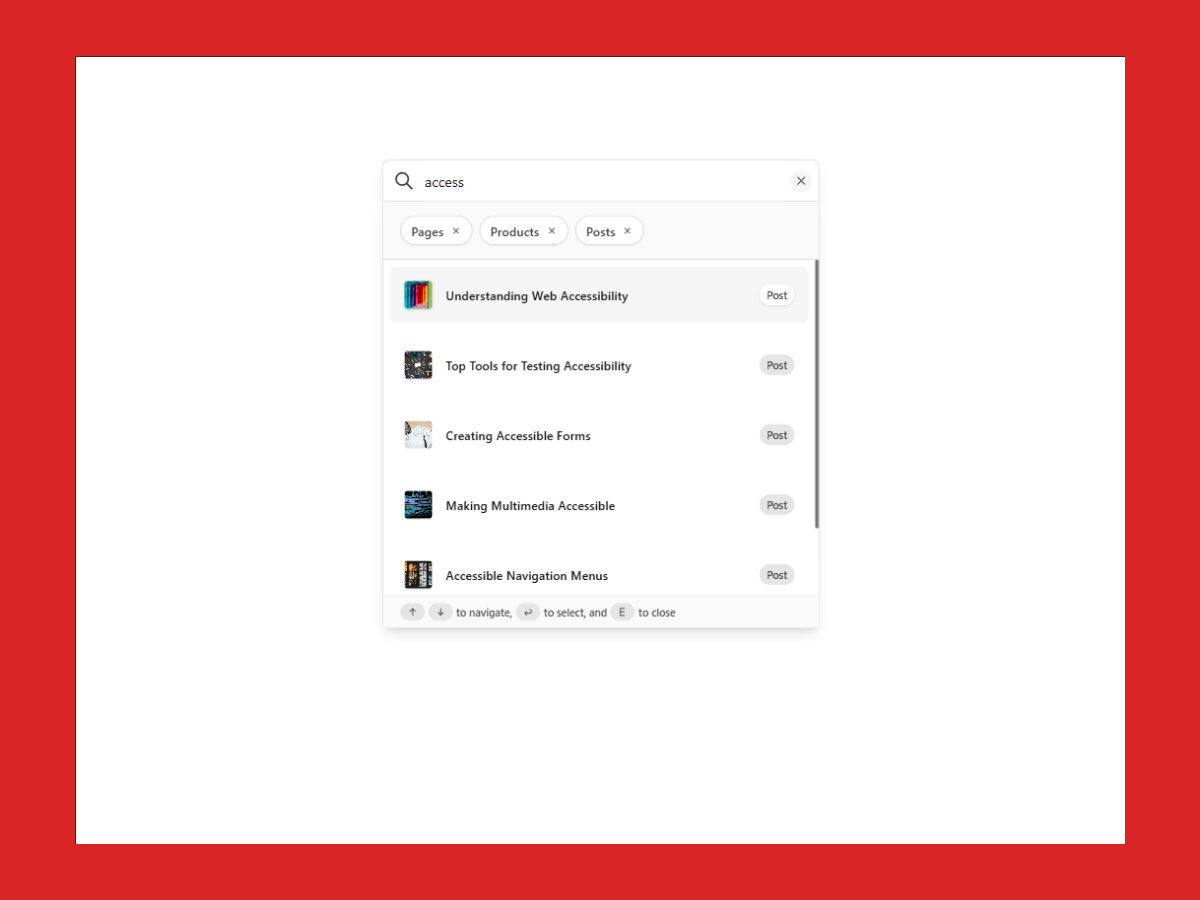
Search Styles – Choose Your Look
WP Documentation supports multiple visual styles. The default (and most loved) is “Newspaper”:
Works Perfectly With Caching
Because search runs 100% in the browser:
- Fully compatible with WP Rocket, LiteSpeed Cache, Cloudflare, etc.
- No cache-busting AJAX calls
- Works even when page is served from CDN
Important Note
Make sure cache plugin is configured to expire before WordPress Nonces